I am opening this thread to report a connection issue with our Reachy 2 teleoperation software using the Meta Quest 3, along with an anomalous behavior we detected in the Dashboard.
Network: Both the control computer and the robot are on the same local network.
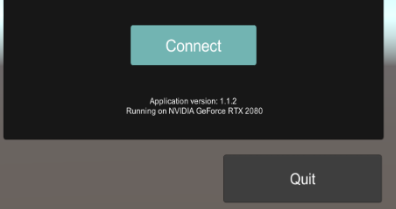
2. Teleoperation Problem Description We can launch the executable application without issues, correctly visualize the virtual reality environment, and enter the robot’s IP address. The control panel (Dashboard) is accessible, and the robot responds perfectly to the ping command from the same control computer.
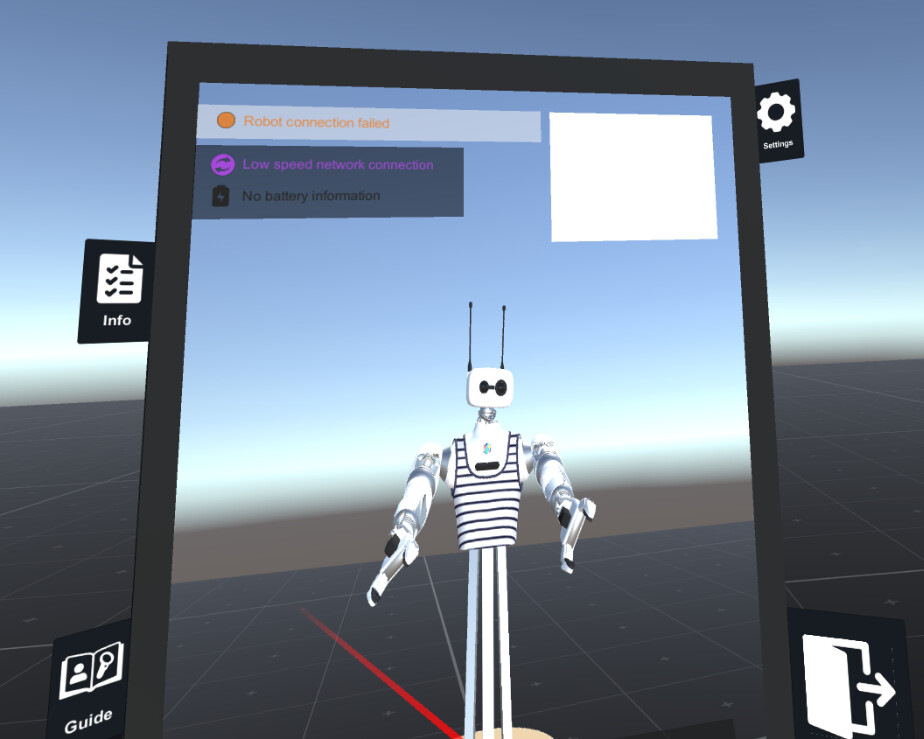
However, when attempting to click “Connect” in the teleoperation app, we consistently receive the following error:
“Robot Connection Failed”(I have attached a screenshot of the exact point where it gets stuck).
Despite this status in the panel, the robot functions correctly in all other tasks; the failure is exclusive to teleoperation.
We confirm that the robot is not constantly rebooting, as it remains operational and does not emit the characteristic “bubbling” sound of a core reset.
Any help or guidance to solve this issue would be highly appreciated. We are available if you need us to check any specific logs.
Hello Alvaro,
Thanks for all the details.
It seems there might be an old Docker container left over that’s creating conflicts with the services.
Did you run the bedrock_clean command once the new Bedrock was configured?
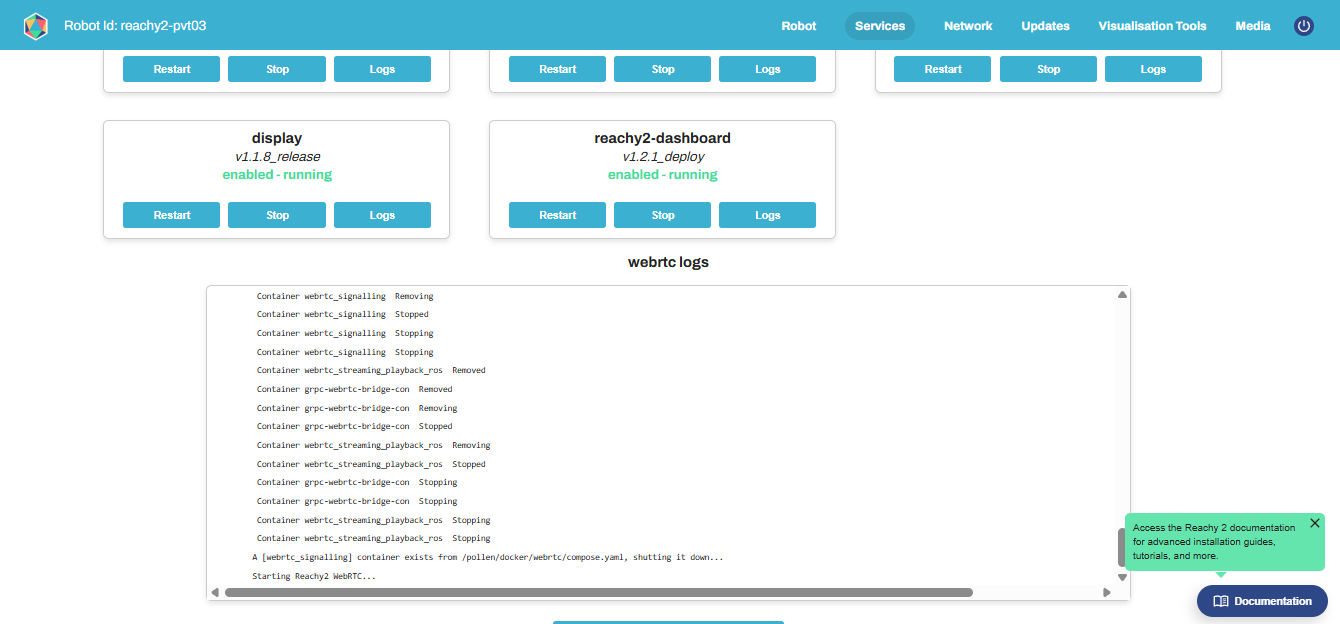
Could you stop the WebRTC service from the dashboard, then run docker ps -a on the Bedrock and share the result here?
Thanks in advance
I followed all the steps: ran the clean procedure, removed the directory, rebooted the Bedrock, and restarted the WebRTC service from the dashboard.
Unfortunately, the issue is still present. Since the WebRTC service runs across multiple containers, I pulled the logs from all three. Attached are the logs for: - webrtc_streaming_playback_ros - webrtc_signalling webrtc_streaming_logs.txt (396 Bytes)
From your logs, the WebRTC seems to be launching correctly. Could you check a few things?
On the dashboard, under the Media tab, can you see the head camera feed?
It could also be an issue with the app installation. Have you used teleoperation before? Has the computer you’re using ever run teleoperation successfully at least once?
Thank you for looking into the logs. Here are the answers to your questions:
1. On the dashboard, yes, the head camera feed is perfectly visible under the Media tab.
2. This is the first time we are trying teleoperation on this specific computer. We have successfully connected and run it on another computer before, but we noticed some strange behavior. Over time, without closing the teleoperation session, certain parts would randomly stop responding. For example, the right gripper or the left arm would freeze, and later they might start moving again, but then the mobile base wouldn’t move. Just to clarify, the unresponsive parts weren’t always the same; the issue happened randomly across different components.
3. We will try the GStreamer steps from the forum link you provided and will report back with the results.
4. The other computer that we used previously was also connected via Wi-Fi. However, we can definitely try setting up an isolated network over Ethernet if you still recommend it after reading this.
We will test the GStreamer fix and keep you updated. Thanks!
Hi,
Could you try again with the previous computer first, just to confirm whether the problem comes from the computer or the robot? In the meantime, going ahead with the GStreamer steps is a good next test.
Regarding the freezes during teleoperation, could you give us a few more details:
How long did each freeze last?
Did it happen during a single continuous teleoperation session, or were you switching back to the mirror scene in between?
This does sound like it could be a wifi issue to me, so yes if you can, please give ethernet a try.
We have tested again with the previous computer. We had to do it over Wi-Fi because we are still waiting for the IT department here at CARTIF to grant us Ethernet access. Here is a detailed breakdown of what happened:
First attempt: We connected, and the cameras worked perfectly. When we started the movement, the left arm, the left gripper, and the mobile base moved correctly. However, the right arm and the neck did not move at all.
Second attempt: We went back to the mirror scene, closed the app, and reopened it. We observed the same behavior, but this time the left gripper also stopped opening and closing.
Third attempt: We exited and entered the teleoperation again. The left gripper started working again, but the right arm and neck remained completely unresponsive the entire time.
Important detail regarding the freezes: We physically moved the unresponsive parts (right arm and neck) to check for torque. The joints were completely soft (compliant) and were not exerting any force or holding their position.
As soon as IT enables the Ethernet connection and installs GStreamer, we will continue with the rest of the tests and keep you updated.
Hi @alvaro_solana
Thanks for the very detailed feedback!
For the freezes, the soft joints (no torque) are a useful clue. Could you try:
Using the SDK without restarting the core, to see if the joints behave correctly.
Starting the teleoperation, then turning on the torque for the neck and right arm from a second computer via the SDK. (Keep the arm along the robot’s side to avoid sudden movement.)
If it works this way, it might mean the “turn on” command sent at the start of teleoperation is getting lost, possibly due to the Wi-Fi connection.
Great news regarding the first issue: your theory was completely right! We ran the turn_on() command via the SDK after starting the teleoperation, and all the movements worked perfectly. So that issue is solved, and we now know it was just the initial command getting lost over the Wi-Fi.
Regarding the new computer: we have tried the GStreamer steps you recommended, but unfortunately, it is still not working. The teleoperation won’t start properly on this machine.
What else can we check or try to get this second computer up and running? Could it be a missing dependency or a graphics card issue?
For the new computer, could you get the logs of Unity and of Gstreamer during your teleoperation ? For that, you can execute in the Windows Powershell :
cmd
cd C:\Program Files (x86)\Pollen Robotics\Reachy2Teleoperation
set PATH=%PATH%;C:\gstreamer\1.0\msvc_x86_64\bin;C:\gstreamer\1.0\msvc_x86_64\lib\gstreamer-1.0
set GST_DEBUG_FILE=%userprofile%\Reachy2Teleoperation.log
set GST_DEBUG=3
Reachy2Teleoperation.exe
Then the app will be launched and you’ll have the Gstreamer logs in text file in the userprofile directory.
And the Unity logs are there :